 Confidesk
Readable only by you. No tracking pixels, nothing runs when you open a message.
Mail, files and passwords
Confidesk is email, file storage, notes, chat and a password vault in one account. Everything is encrypted and locked on your device before it reaches us, so we keep it safe for you but can't access it.
More than mail
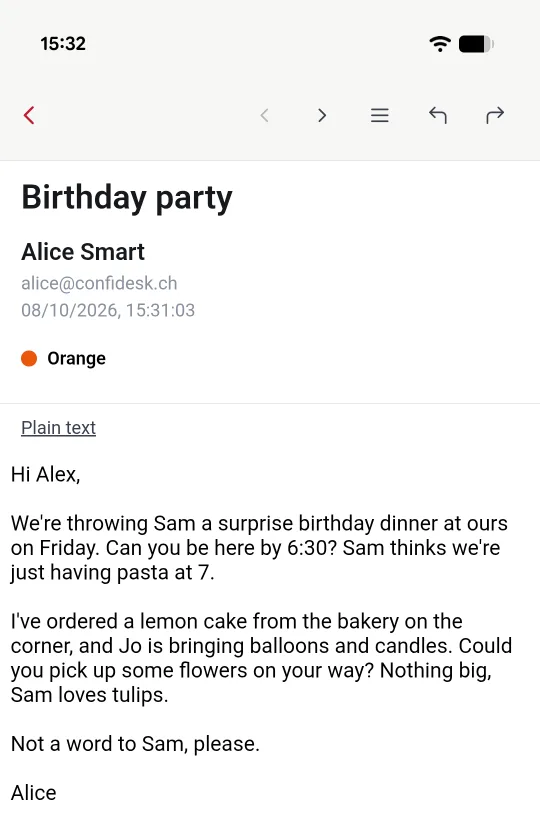
Readable only by you. No tracking pixels, nothing runs when you open a message.
Documents and pictures, with a gallery to browse them. Even the file names stay private.
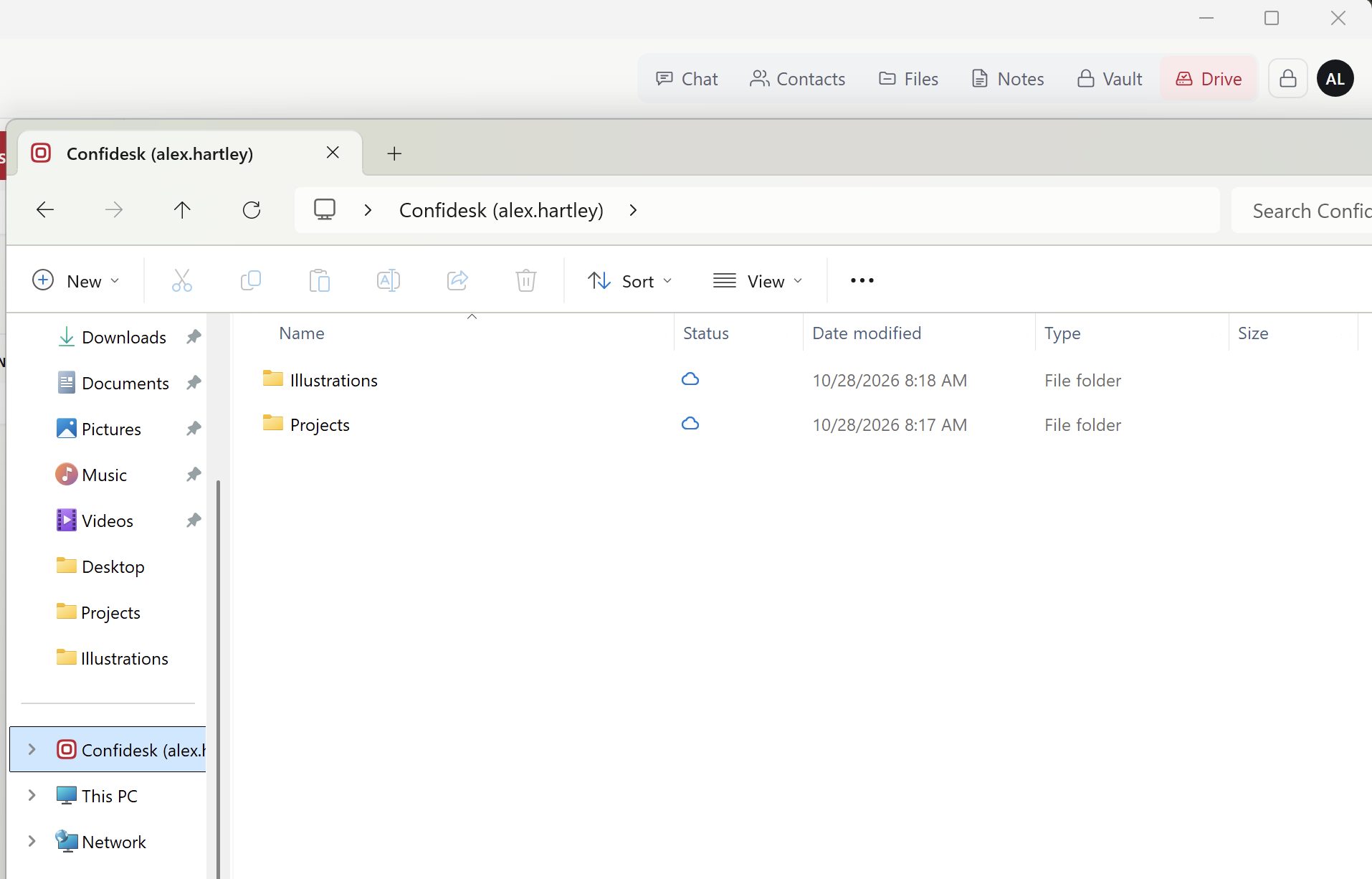
Your encrypted storage as a drive on your computer. Work on files with any program; detach, and they open only in Confidesk.
A vault built in, in the standard KeePass format: groups, history, one-time codes. The same file opens in KeePassXC.
From a quick note to a full document you can export to Word, PDF or EPUB.
Private one-to-one and group conversations with other Confidesk users.
Your own domain, with several mailboxes (Advanced). Give a mailbox on your domain to another Confidesk account, or share one between users.
Secure Send for anything private going to someone outside Confidesk, and your own contact form so anyone can reach you privately.
The Confidesk drive
Attach the folders you choose from your encrypted storage to your computer, like a USB drive. Open and save them with Word, Excel or any program you already use; whatever you save is encrypted and uploaded. Detach, and they open only in Confidesk again.
How it works
Two-factor sign-in is mandatory for every account. It is how we know it's you.
We ask for a one-time code first, sent to your notification email or shown in your authenticator app. This step protects your key: nobody gets as far as it without the code.
Your key is opened only on your own device. Your passphrase never reaches us, and neither does the unlocked key.
While you're signed in, everything is encrypted on your device before it syncs with your cloud storage. When the session ends, the key is removed at once.
We don't collect your location or any tracking data.
Your passphrase is the only key, and we never have it. That's why nobody else can open your data. Keep a copy somewhere safe.
On every device you use
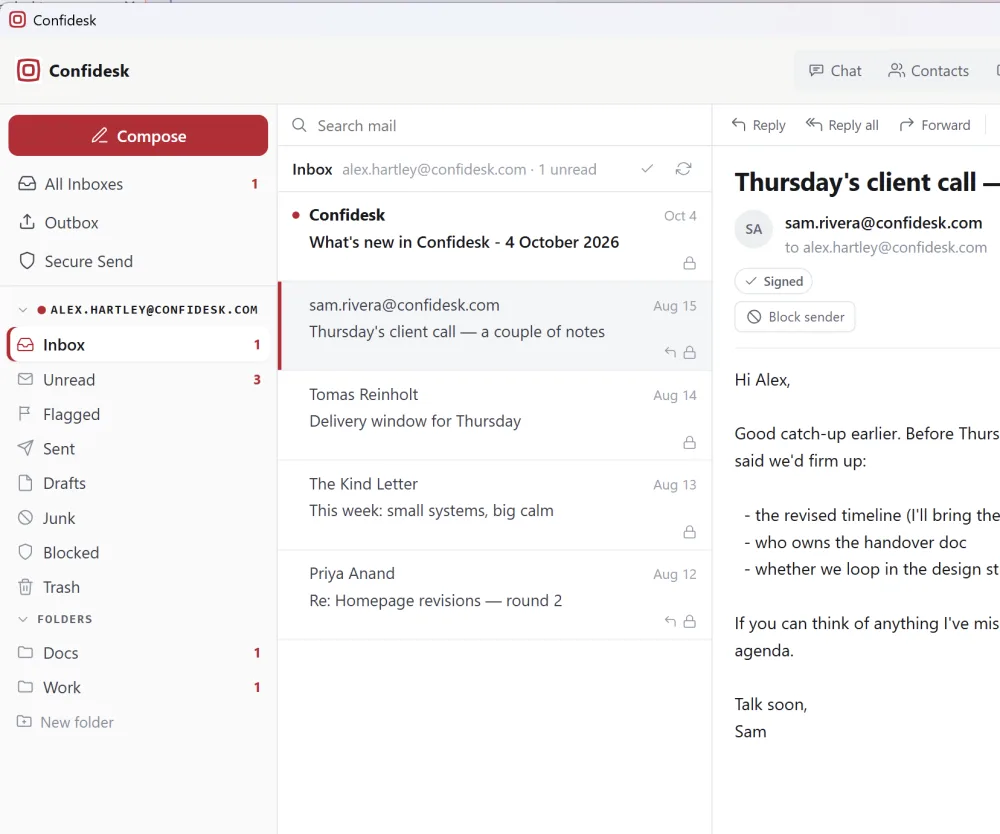
Keep a full copy of your mail on your own computer, stored encrypted. Read and write with no connection, search everything, and bring your other IMAP mailboxes into the same window. For Apple Silicon Macs, Windows and Linux.
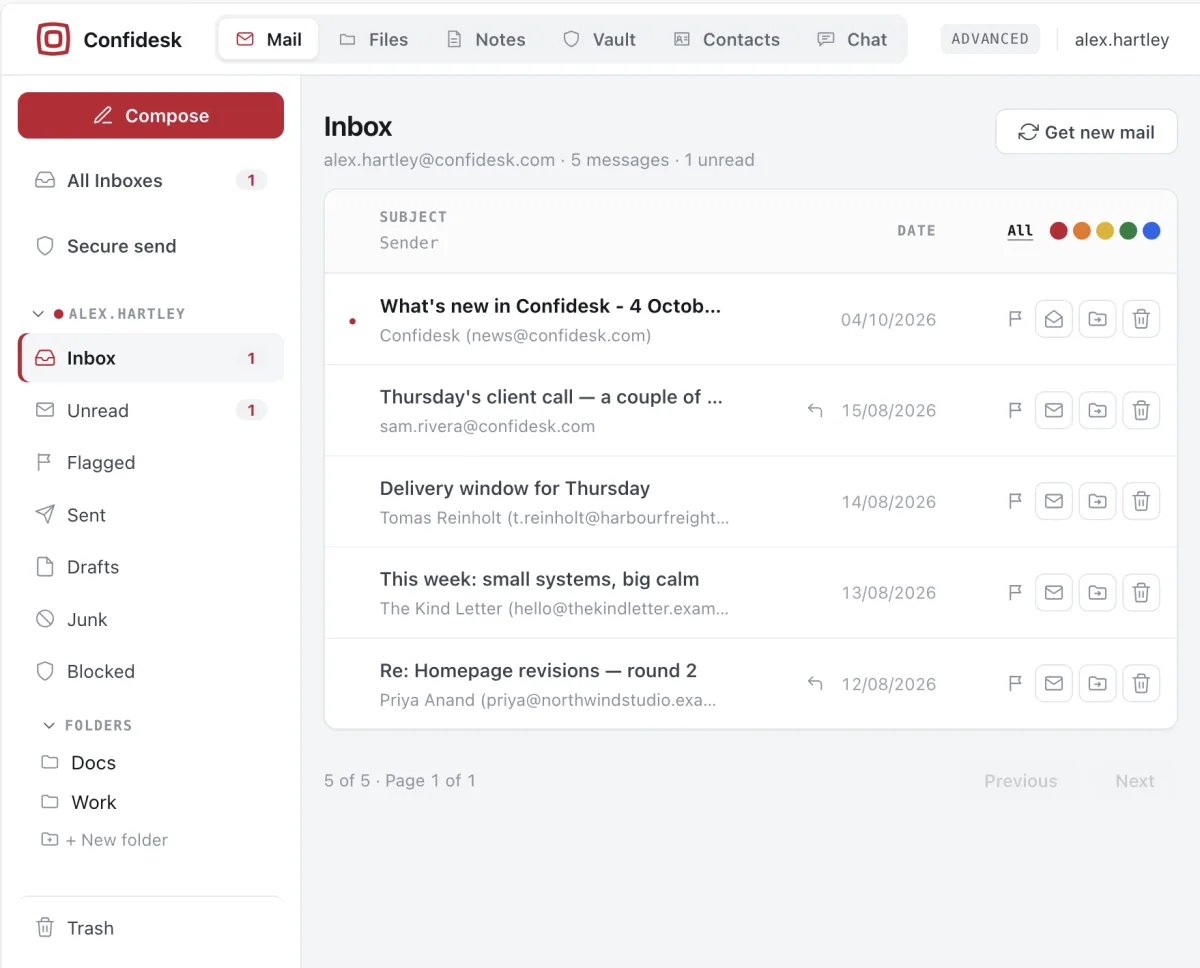
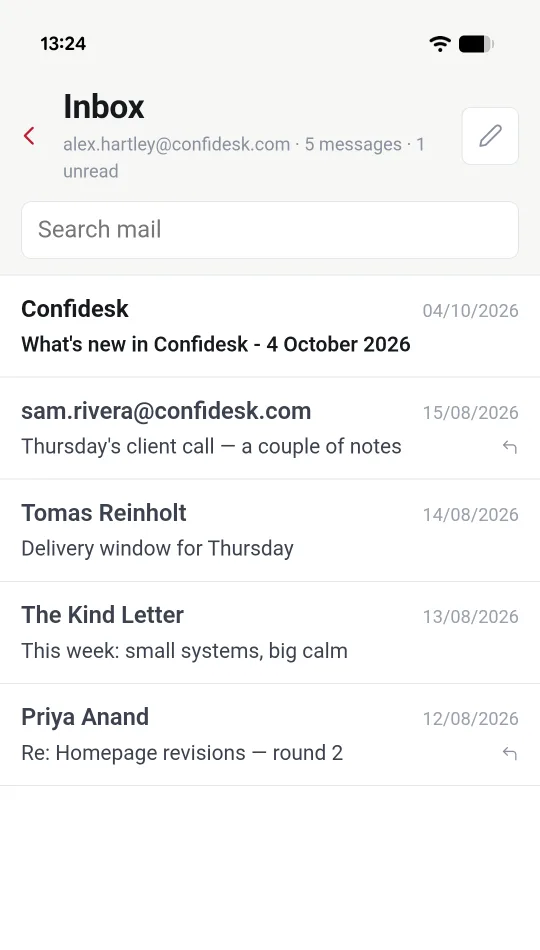
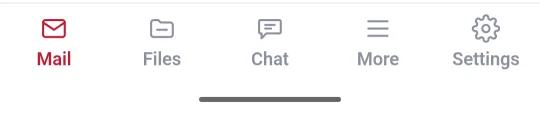
Confidesk for iPhone and iPad
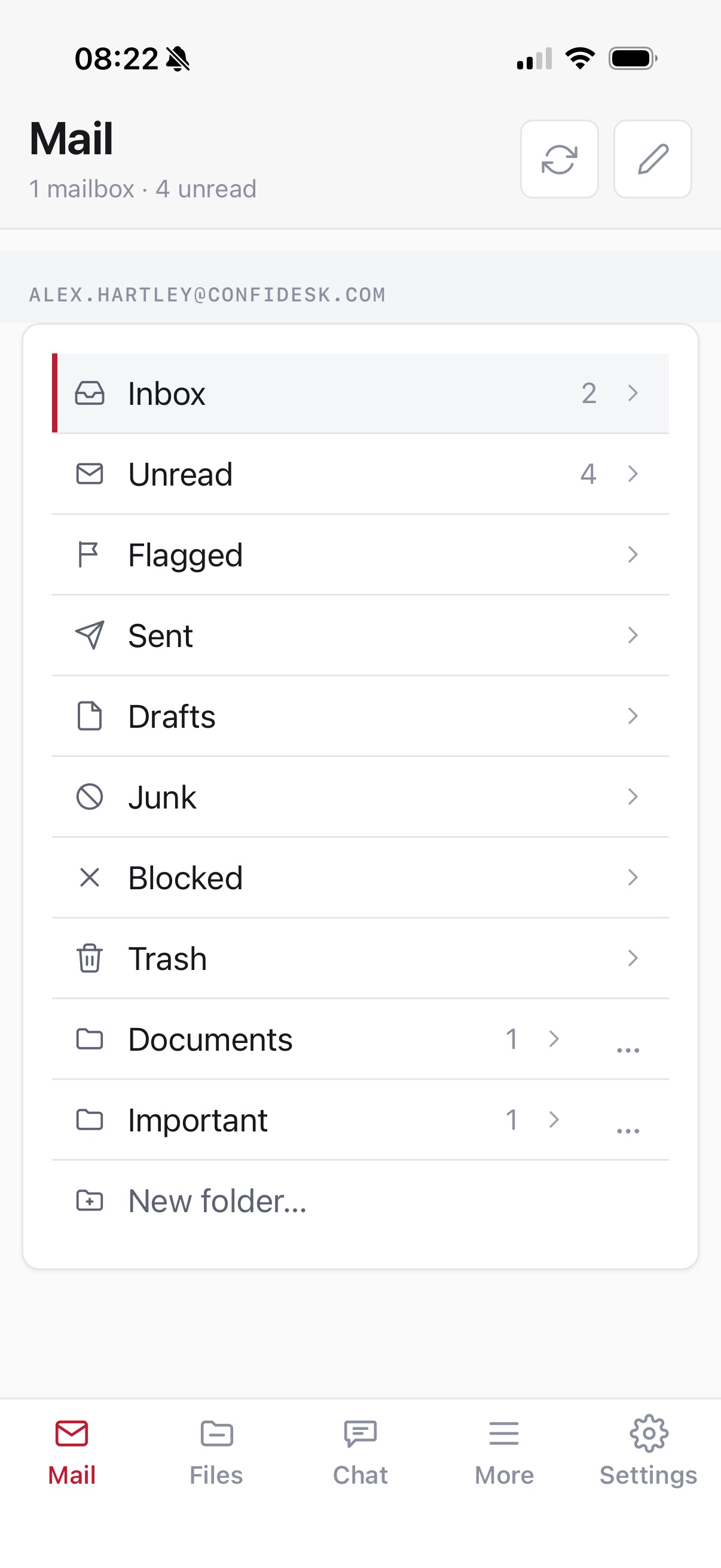
Confidesk for iPhone, iPad and Android
Mail, files, notes, documents, chat and your vault, stored encrypted on your phone and readable offline. On every plan.
Pricing
Pro with more storage included. Switch size any time from your Subscription page.
Advanced with more storage included. Switch size any time from your Subscription page.
Add more storage in 1 GB steps as you need.
Prices are shown per month for comparison. Pro is billed quarterly or yearly; Advanced monthly or yearly.
Private, encrypted email, files, notes, chat and a password vault in one account. Free to start, upgrade anytime.